We use cookies to make your experience better. To comply with the new e-Privacy directive, we need to ask for your consent to set the cookies.


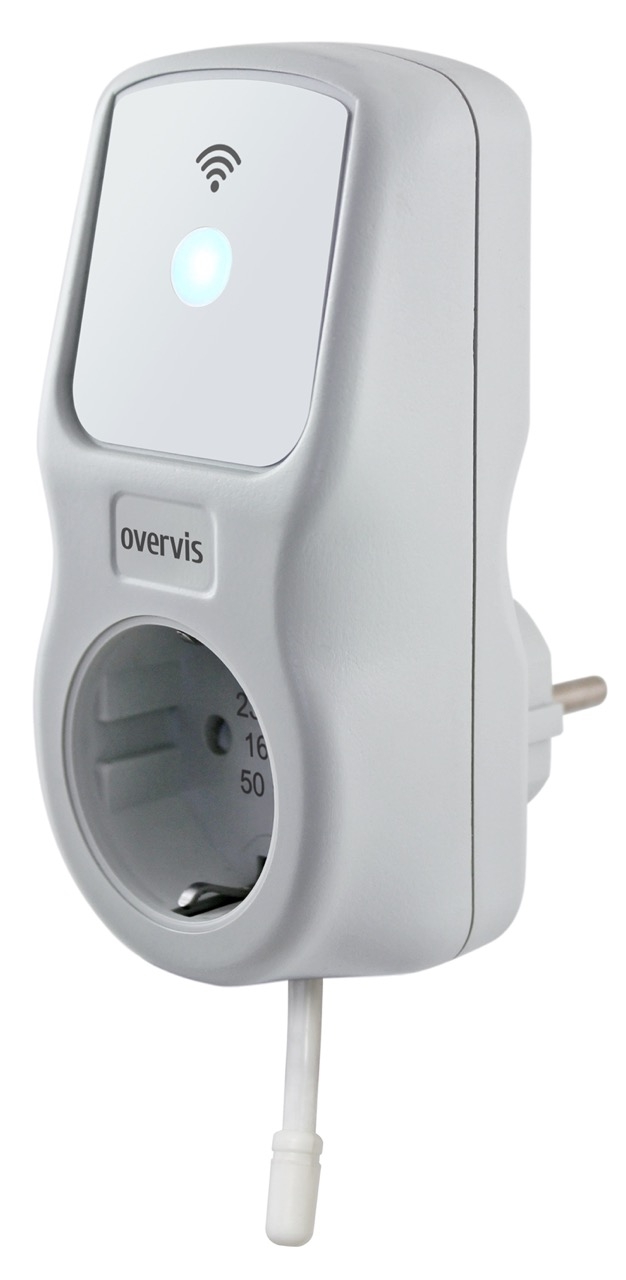
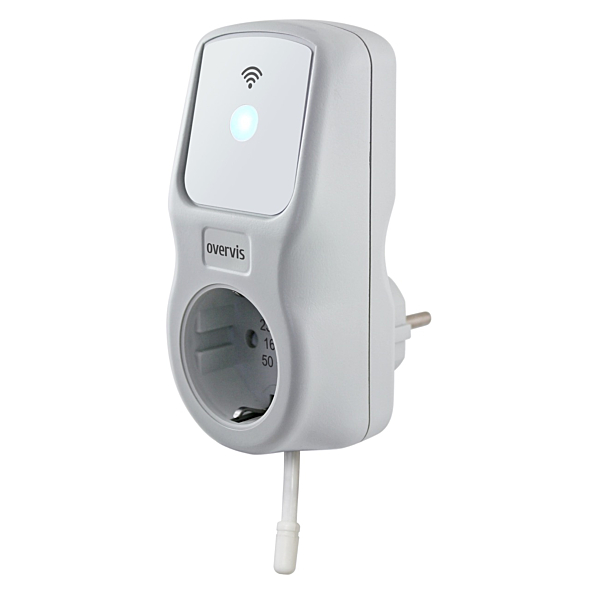

Multifunctional timer-relay EM-126T
Code of product:
NTRN126S1
In stock
More Information
| Installation method | Plugged into a socket |
|---|---|
| Brand | Novatek |
| Rated operating voltage | 230/240 АC |
| Program | Daily, Weekly |
| Max. load current | 16 А |
| Max. load power | 3.6 kW |
| Controlled parameters | Voltage, Current, Power |
| Additional features | Electricity meter, Timer, Voltage protection |
| Operating method | Buttons, Wi-Fi |
| Indication | Indicators, Web interface |
 Available delivery methods: Pickup from the store, Nova Poshta.
  Payment methods: Bank transfer, Cash on delivery.
 Detail product Description
EM-126T multifunctional timer relay is a microprocessor-based device designed for home automation, functioning as a smart plug.
EM-126T Features:
- Enables scheduled or manual switching of loads, while protecting loads from various voltage faults and power overloads.
- Includes a temperature sensor for measuring ambient air temperature, allowing EM-126T to control heating or cooling devices based on measured air temperature.
- Equipped with a single control button (for entering Wi-Fi setup mode or manual load control) and two indicators (to show fault presence, load status, and Wi-Fi connection status).
- Collects real-time energy consumption data and transmits it to the "my.overvis.com" server, where saved reports can be viewed for a week, month, or year.
Enables electricity savings by controlling climate and water heating devices according to a pre-planned schedule. Based on energy consumption data, the "my.overvis.com" server can suggest optimal schedule settings.
Main Functions:
- Measures network voltage and frequency
- Measures ambient air temperature
- Measures current consumed by the load
- Measures power consumed by the load
- Records energy consumption of the load
- Protects the load from voltage faults in the network
- Provides over-current and over-power protection for the load
- Real-time clock with up to 5 days of power reserve (in case of power outage)
- Automatic time synchronization with SNTP time server
- Automatic load management based on user-defined schedule
- Vacation scheduling (with program lock)
- Load operation time restriction
- Manual load control from the front panel
- Manual control lock after a set time period (child lock)
- LED brightness adjustment
Operating Modes for EM-126:
The device can operate in three modes:
- Normal operation mode
- Manual control mode
- Wi-Fi connection setup mode
Normal Operation Mode:
EM-126T connects to the specified Wi-Fi access point, monitors network parameters (voltage and current) to protect the load, and manages load switching according to the user-defined schedule.
In case of a fault (over-current, over-voltage, or under-voltage), EM-126T performs an emergency disconnection of the load.
Manual Control Mode:
If the user manually changes the load status (by pressing the button on the front panel or remotely via the server at my.overvis.com), the EM-126T blocks the current scheduled event and enters manual control mode.
Upon the next scheduled event, EM-126T returns to normal operation. Manual control status is retained if the device is powered off.
Wi-Fi Connection Setup Mode:
In this mode, EM-126T creates its own access point named "EM-126T_xxxxxxxx" (where xxxxxxxx is the unique code of the device). The user can connect to this access point and access the Wi-Fi setup in a web browser (e.g., Opera, Google Chrome, Firefox) by going to "em.com" or "http://192.168.4.1" to configure Wi-Fi settings.